How to manually register tracking technologies (cookies)
This document will explain you step by step how you can add your own tracking technologies
Last updated About 2 hours ago
How to manually register tracking technologies inside of Consent Studio
To add your own tracking technologies, make sure you’re logged into the Consent Studio dashboard. From the dashboard, navigate to Monitoring > Tracking Technologies.
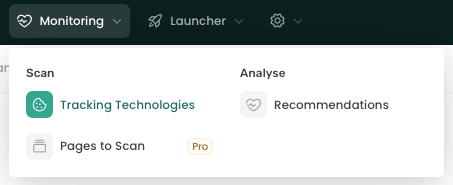
On this page you'll get an overview of all the Tracking Technologies. To add a new one, click on Add Technology in the right upper corner of your screen.
You will then be asked to complete the required fields, including details such as name, type, vendor and category.
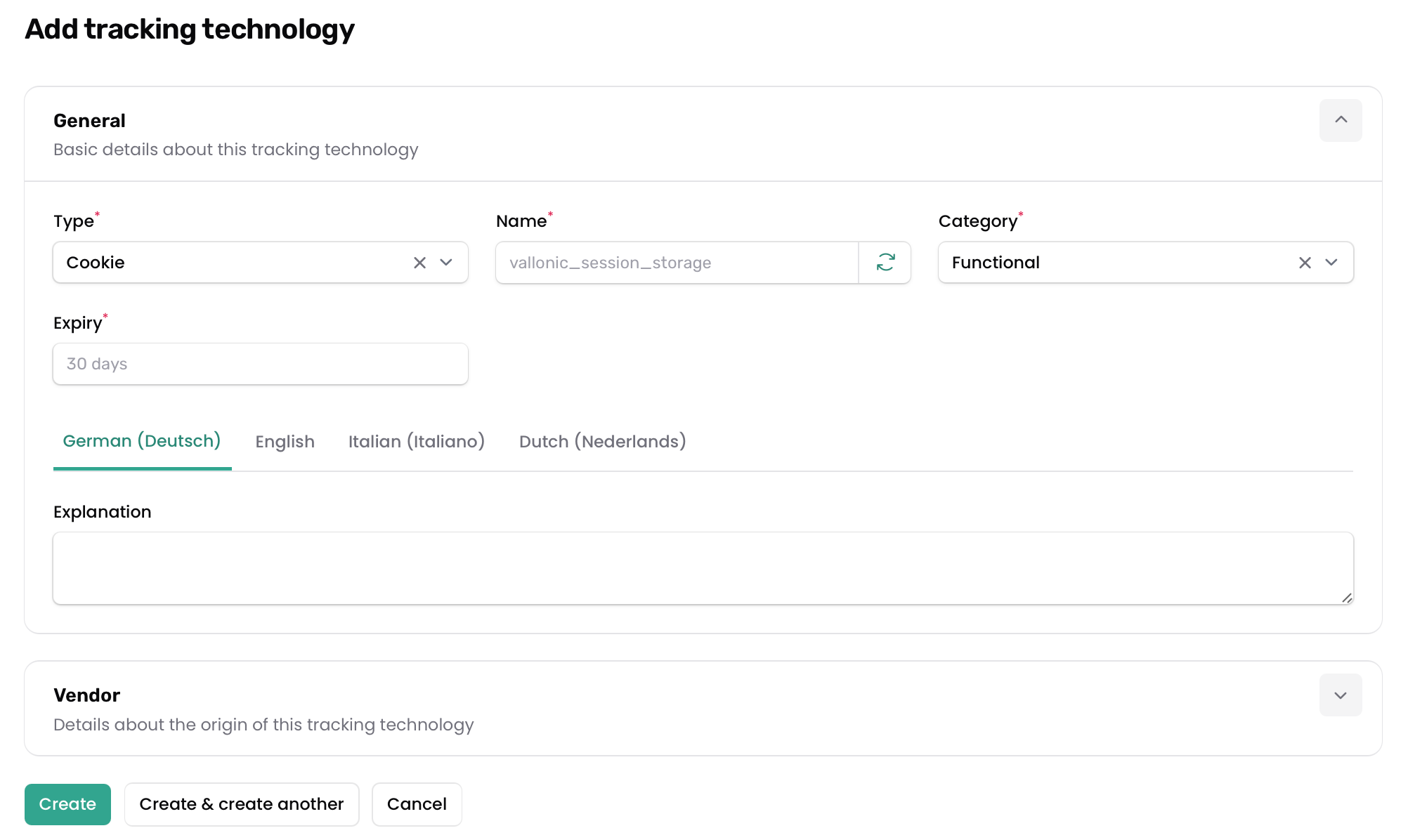
Once all required information has been filled in, save your changes to register the tracking technology. It should now be visible in your overview of all tracking technologies.
For more information on Tracking Technologies, please refer to this document.
Still need help? Ask the team