Matomo Consent API x Consent Studio
Use Consent Studio as your Consent Management platform to accommodate to the cookie consent requirements of Matomo
Last updated 2 months ago
Using the consent API of Matomo with Consent Studio as your consent management platform (CMP) of choice
How is consent processed?
When a user grants Analytics (cookie) consent through the Consent Studio cookie banner on your website, we will send positive signals for rememberCookieConsentGiven and setConsentGiven. We will do the opposite when this type of consent is denied.
How to enable this integration?
Log in to your Consent Studio dashboard.
Open the Consent Studio dashboard and head to Web CMP > Integrations.

On this page you will be able to view all available integrations.
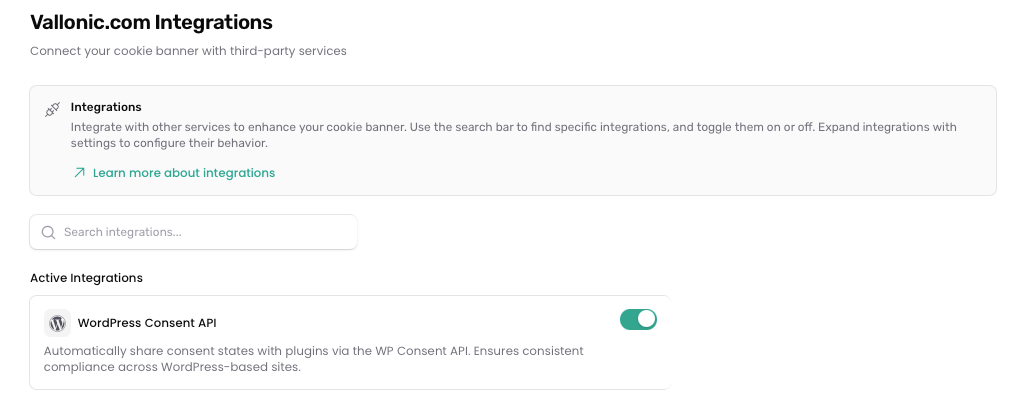

Toggle Matomo Consent API by clicking on it. Enabled integrations are shown under Active Integrations.
Don't forget to save your changes by clicking the Save changes button at the bottom of the page.

Was this helpful?
Still need help? Ask the team