dataLayer events: use Consent Studio as a trigger for GTM Tags
Leverage our custom dataLayer events
Last updated 18 days ago
Trigger GTM tags based on user consent in Consent Studio
With Consent Studio, we have a whole hosts of custom events that are submitted to the window.dataLayer array when a user interacts with a consent banner and/or when they make a (new) consent decision.
These events can be used to create Custom Triggers in Google Tag Manager.
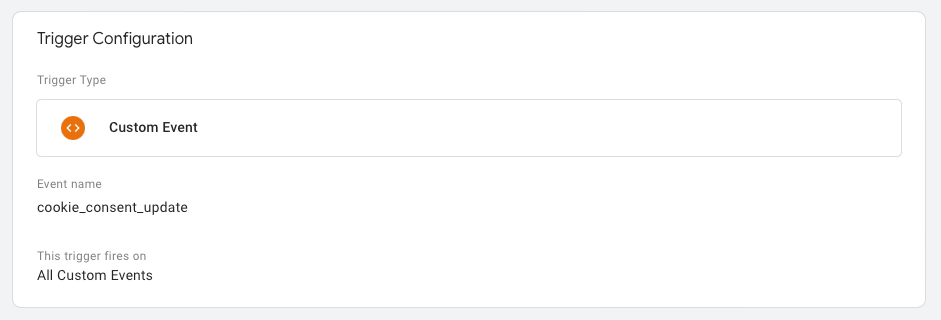
In opposite to the “All Pages” trigger, or similar, this method of creating custom triggers will allow tags to be loaded without requiring a page refresh in a client-side Google Tag Manager container.
Remember: the Consent Studio CMP tag itself should have the "Consent Initialization - All Pages" trigger at all times.
Whenever a user retracts their consent, they do need to reload the page in order to de-activate the tags that were triggered under their previous consent.
Overview: compatibility events
These events are simple and are meant to be compatible with configurations that were made for other CMPs:
cookie_consent_update
Overview: simple events
These dataLayer events have no fluff to them and are meant for clear, simple understanding.
cookie_consent_granted_functionalcookie_consent_granted_analyticscookie_consent_granted_marketing
Overview: contextual events
Button clicks (fire on click, before consent is submitted)
User interaction to open any of the modals
Consent Category toggled
Consent State update following user interaction
When a user submits consent via the banner, both consent-studio__user-interacted__modal__* events and consent-studio__parsed-consent__* events fire. This allows triggers configured for parsed-consent events to work both on page load (returning visitors) and immediately after user interaction, without requiring separate trigger configurations.