Exporting the Consent Log
How to download your Consent Log records
Last updated About 2 months ago
How to download consent log records in Consent Studio
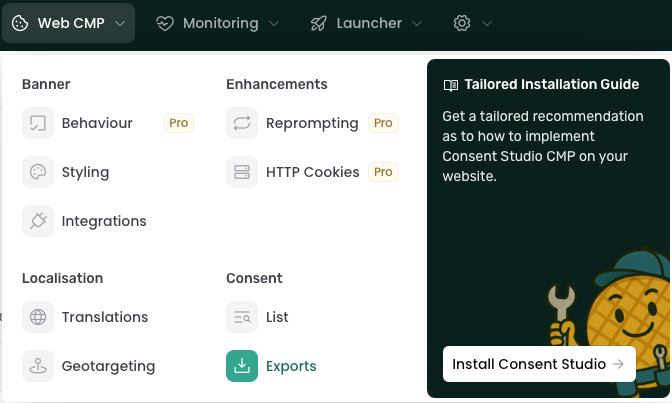
In the top bar, click Export under Consent in the Web CMP dropdown menu.
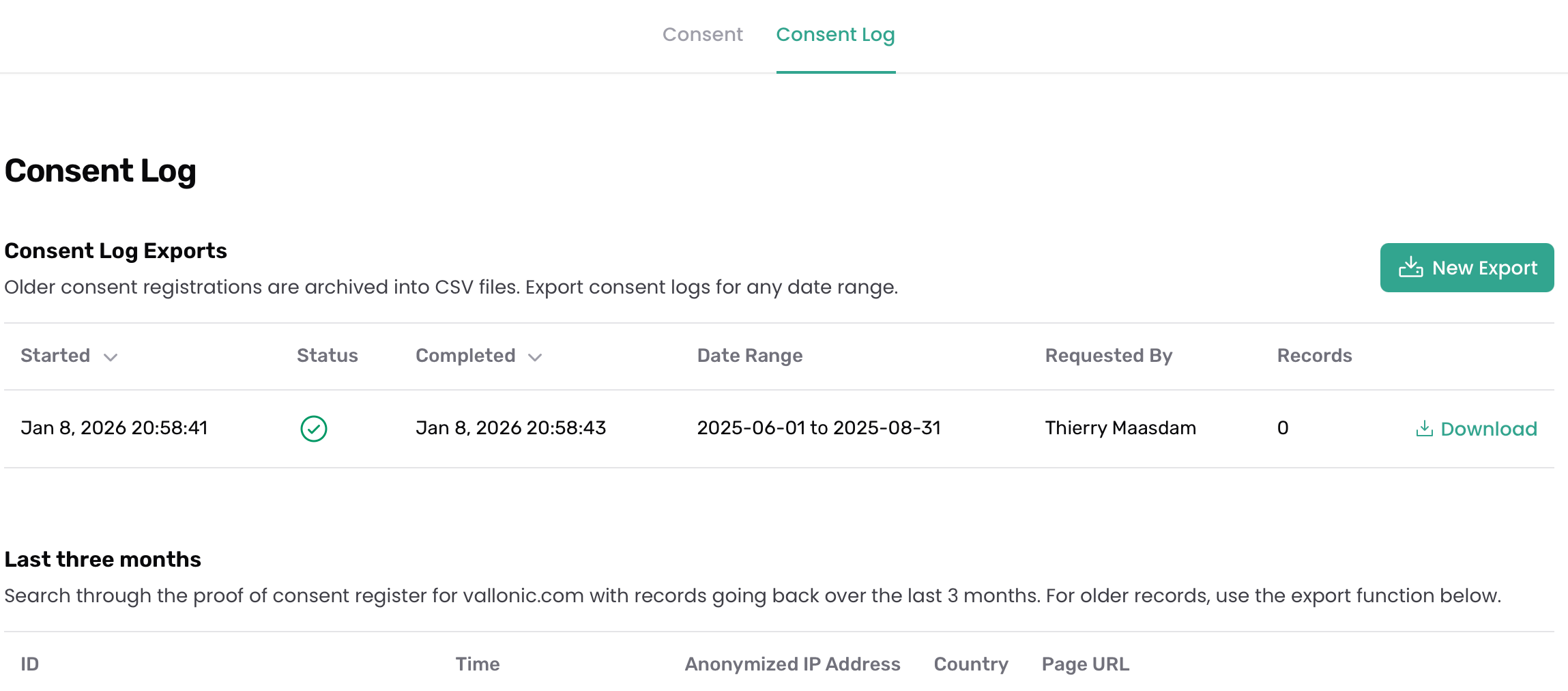
You will be directed to the export page of the Consent Log. There, you will find the New Export button in the top right corner of the Consent Log.
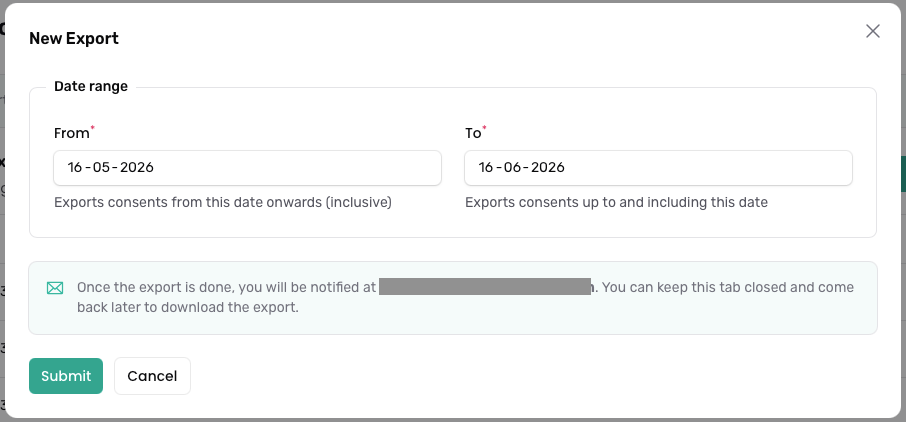
Upon clicking the New Export button, you will be asked for the date range of the consent log items that should be exported.
Clicking Submit will start the exporting process in the background. You can follow the progress of your export in the Consent Log Exports table, which will also display its status as it progresses in realtime.
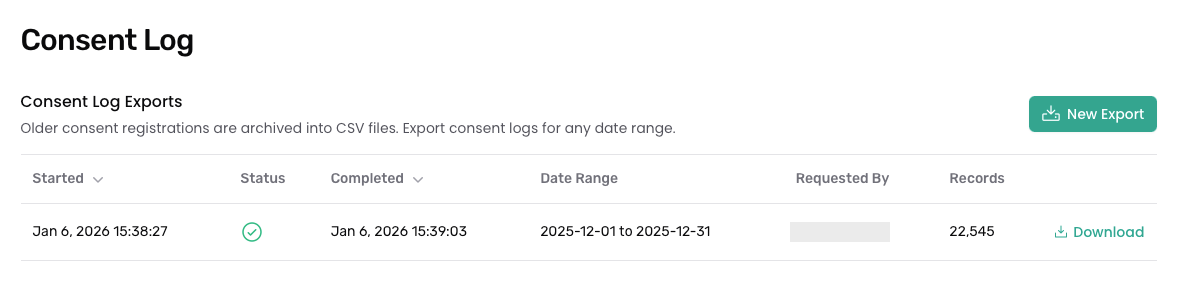
When your download is ready, you will be notified via the notification list in the dashboard's top bar (the bell icon). You will also receive an email notification when the export log is ready for download.

Was this helpful?
Still need help? Ask the team