Change or disable the sticky toggle
An article that explains how you can modify the sticky of your consent banner.
Last updated 6 days ago
How to modify or disable the sticky toggle of your Consent Studio CMP consent banner
You can disable or modify the sticky toggle on your website to align more with your style and layout. This article will explain how you can do this.
The Sticky Toggle is a component that is added to your website that sticks to either bottom corner of your screen (unless disabled completely, of course), that allows visitors of your website to quickly access the consent banner and/or tracking technology overview modal at any time.
Modifying the sticky toggle
To modify the sticky toggle, navigate to Web CMP > Styling.
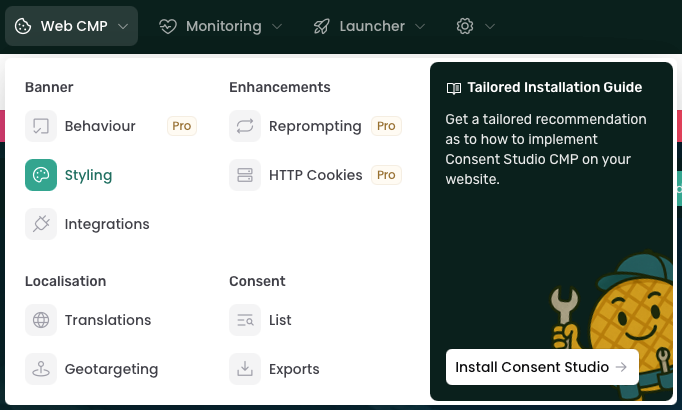
On this page, select Sticky toggle. You should now be able to modify the sticky toggle to your likings, you can modify its color, background color, position, size and more.

Some of these sections are only available for Consent Studio Professional customers.

You will also be able to preview the sticky toggle:

After you're done, don't forget to click on the Save & Publish button.
Was this helpful?
Still need help? Ask the team