Hide the Consent Studio logo
An article that explains how you can disable the Consent Studio on your consent banner
Last updated 15 days ago
How to disable the Consent Studio logo in the consent banner
You can disable the Consent Studio logo displayed on your banner. This article will explain how you can do this.
Any Consent Studio user can disable the logo from the consent banner without additional costs. Adding a custom logo, however, is a Consent Studio Professional feature.
Disabling the logo
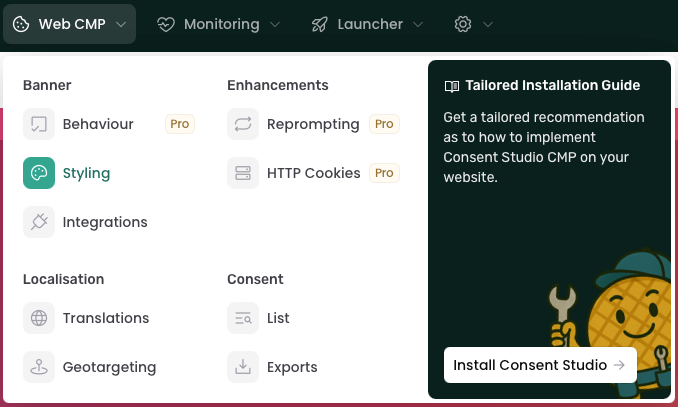
To disable the logo on your banner, navigate to Web CMP > Styling.
On this page, open the Logo tab. You will see a toggle labelled as Enable Consent Studio Icon.
Switch this off to disable the Consent Studio logo.

(The switch should be grey when it's disabled).
After you're done, don't forget to click on the Save & Publish button.
Was this helpful?
Still need help? Ask the team