Change the banner position
An article that explains how you can change the position of the banner on your website.
Last updated 15 days ago
How to change the position of your Consent Studio Web CMP consent banner on your website
The position of your consent banner can affect the user experience on your website. This article explains how to adjust the position of your consent banner to match your site's layout and design.
Changing the banner's position
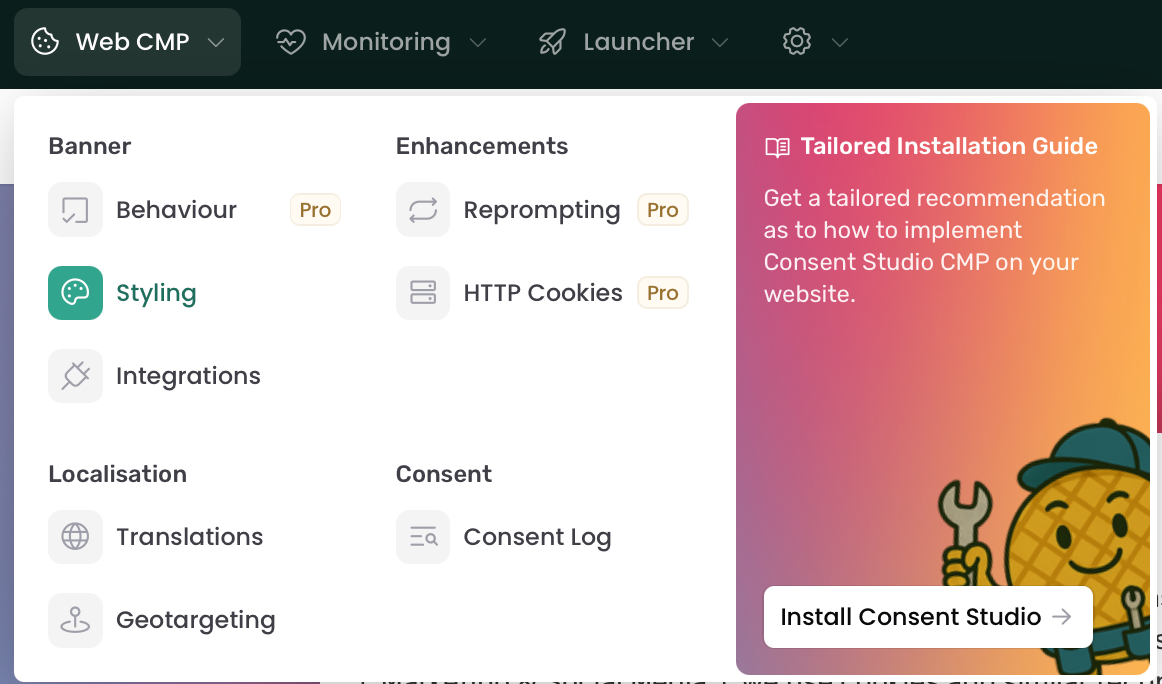
On the Consent Studio dashboard, click on Web CMP > Styling.
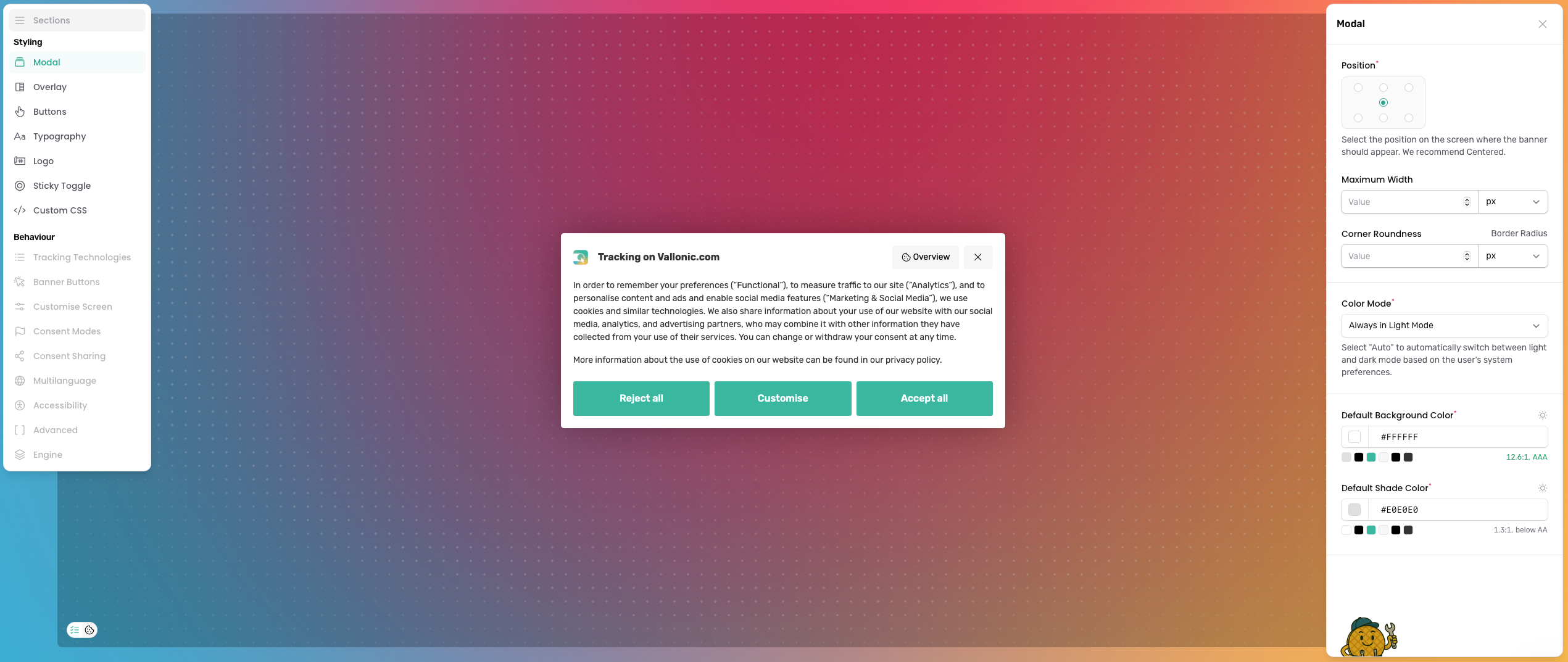
On this page, open the Modal tab. From there, you can select where the consent banner should appear on your website.
Once you’re done, don’t forget to Save & Publish.
Was this helpful?
Still need help? Ask the team