How to cancel a subscription
An article that explains you how to cancel your subscription
Last updated About 2 hours ago
How to cancel your Consent Studio subscription
Before you cancel your subscription, it is important that you download your consent log. This ensures that you retain a record of all collected consent data, which you may be required to demonstrate compliance with data protection regulations after your account is deactivated.
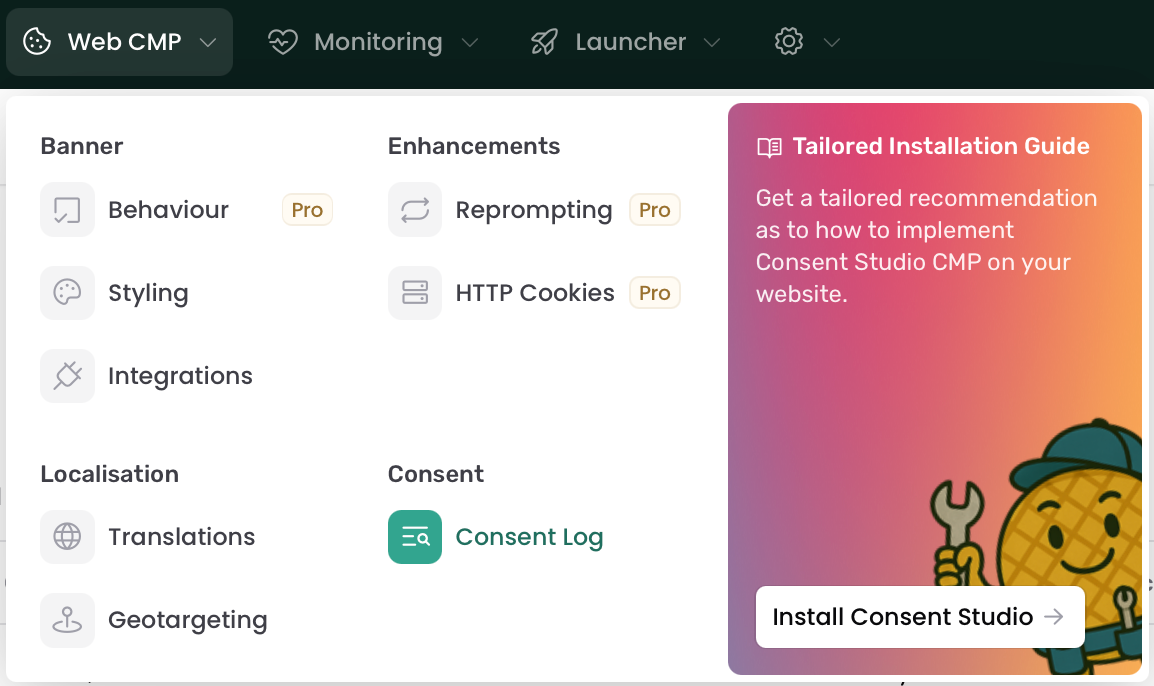
To find your consent log, navigate to Web CMP > Consent Log.
On this page, make a new export by clicking on the New Export button. Once the export is done, it should be visible under Consent Log Export. Make sure to download it by clicking on the Download button.
After you’ve downloaded the Consent Log, you can proceed with cancelling your subscription.
To complete the cancellation, please contact our support team via email or chat. Our team will assist you with finalising the cancellation of your account.
Still need help? Ask the team