How to change your domain list sorting preference
You can change the domain list sorting to get a better overview of your domains. This article will explain how you can change this.
Last updated About 2 hours ago
Change the sorting preference of your domain list for a better overview of your domains
You can sort your domain list in the way that gives you the best overview. By default, the domain list sorting is set to Chronological (displays from oldest to newest).
Changing your sorting preference
To change the sorting preference of your domain list, navigate to your profile by clicking on the profile picture in the top right corner of the screen, then select profile in the dropdown.

When you’re on the profile page, select Preferences. From here, you can select a sort preference that you prefer to use.
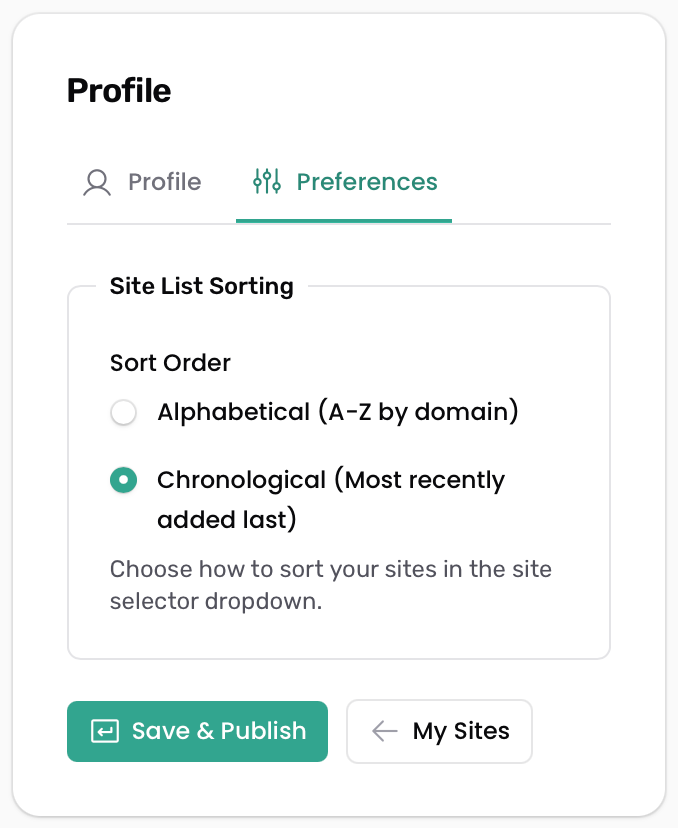
After you’re done, don’t forget to click on the Save & Publish button.
Still need help? Ask the team