Accessibility: where to find accessibility settings
An article that will explain how you can configure the accessibility settings
Last updated About 3 hours ago
How to configure the accessibility settings in your Consent Studio banner
The accessibility settings allow you to configure how users can interact with the consent banner in an accessible way. These settings are designed to improve usability for keyboard navigation, screen reader, and other assistive technologies.
To find the accessibility settings, navigate to Web CMP > Behaviour. On this page you will find a tab called Accessibility.
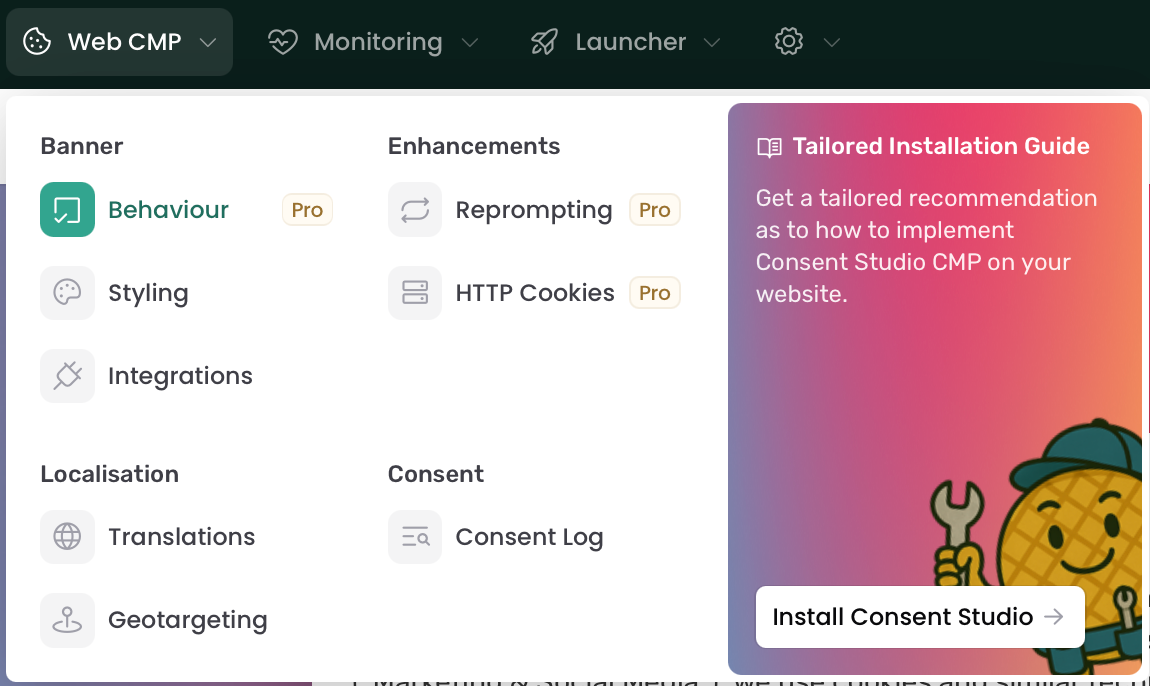
On this page, open the Accessibility tab. In this tab, you can fine-tune the settings to match your preferences and requirements.
Once you’re done, don’t forget to Save & Publish.
Still need help? Ask the team