WP Consent API x Consent Studio
Apply correct consent decisions in WordPress plugins that listen to the WP Consent API.
Last updated About 9 hours ago
Using the WP Consent API with Consent Studio as your consent management platform (CMP) of choice
How is consent processed?
We support the following categories:
functionalpreferencesstatisticsstatistics-anonymousmarketing
When a user grants functional (cookie) consent through the Consent Studio banner on your website, we will send an allow signal for the functional, preferences and statistics-anonymous categories to the WP Consent API.
When a user denies functional (cookie) consent, we will signal deny for the functional, preferences and statistics-anonymous categories to the WP Consent API.
When a user grants analytics (cookie) consent through the Consent Studio banner on your website, we will send an allow signal for the statistics category to the WP Consent API.
When a user denies analytics (cookie) consent, we will signal deny for the statistics category to the WP Consent API.
When a user grants marketing (cookie) consent through the Consent Studio banner on your website, we will send an allow signal for the marketing category to the WP Consent API.
When a user denies marketing (cookie) consent, we will signal deny for the marketing category to the WP Consent API.
Which default signals are given on page load?
By default, we set optin as the value for window.wp_consent_type. Until a visitor makes a choice, every category is set to deny.
What you need on your WordPress site
Consent Studio passes your visitors' choices to the WP Consent API on your website. That API comes from the free WP Consent API plugin, so install and activate it in your WordPress admin. Without that plugin, nothing on your website receives the signals, and plugins that rely on the WP Consent API can't respect your visitors' choices.
How to enable this integration?
Log in to your Consent Studio dashboard.
On the Consent Studio dashboard, head to Web CMP > Integrations.
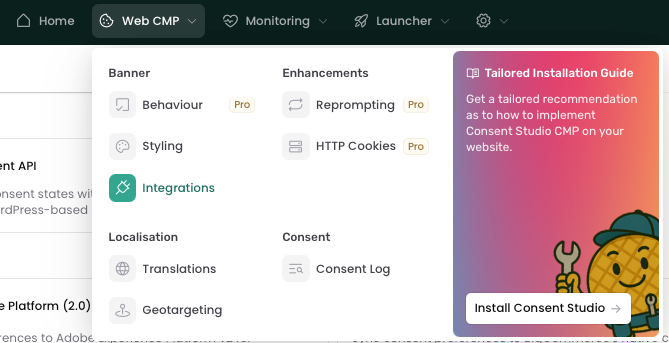
On this page you will be able to view all available integrations.
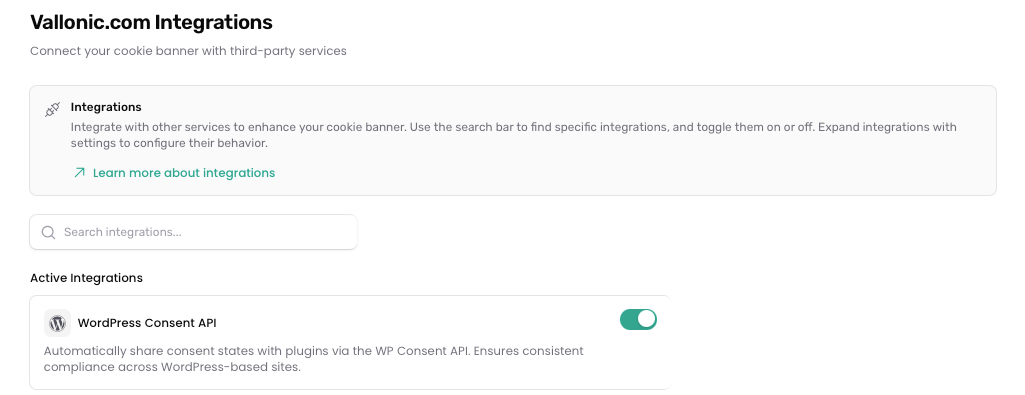
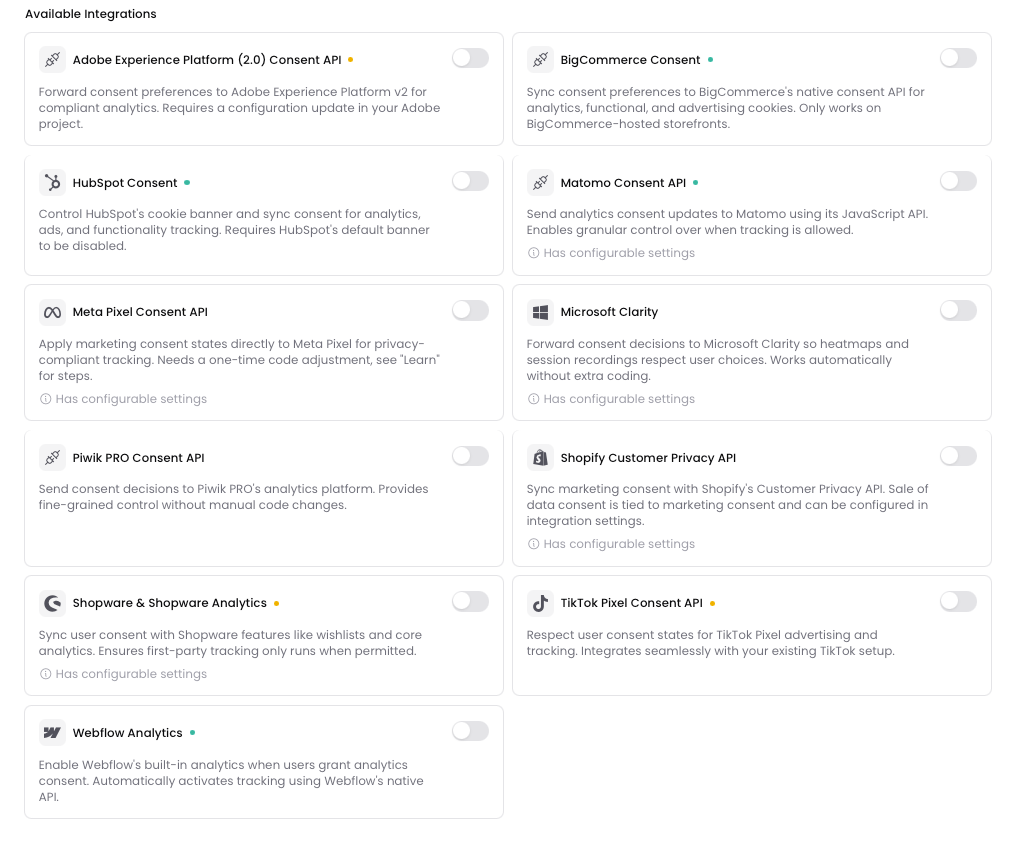
Switch on WordPress Consent API by clicking on it. Enabled integrations are shown under Active Integrations.
Don't forget to save your changes by clicking the Save changes button at the bottom of the page.

WooCommerce Order Attribution and the sbjs_* tracking technologies
WooCommerce Order Attribution records where an order came from. It uses Sourcebuster, which stores the sbjs_* tracking technologies (such as sbjs_first and sbjs_current) in the visitor's browser.
WooCommerce only waits for consent when the WP Consent API plugin is active. It then treats Order Attribution as marketing, so the sbjs_* tracking technologies are only set after a visitor accepts Marketing in your Consent Studio banner.
If a scan shows sbjs_* being set before consent, check that the WP Consent API plugin is installed and active, and that WordPress Consent API is switched on under Web CMP > Integrations. Don't use Order Attribution? Then you can also switch it off in WooCommerce under WooCommerce > Settings > Advanced > Features.
For other scripts that load before consent, see Load sources only after consent.
Was this helpful?
Still need help? Ask the team