How to change your billing information
Update your company details and more
Last updated 3 months ago
Updating billing information in Consent Studio
If you'd like to change your billing information, such as your bank account number, you can do so by following these steps:
Make sure that dashboard is scoped to the domain that you wish to target. You can learn how to switch between different domains in this article.
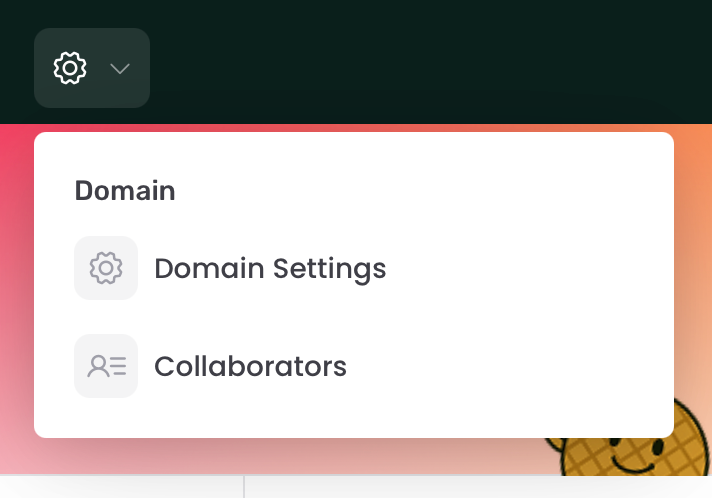
Once scoped to the right domain, navigate to the Domain Settings. You access this panel by clicking the gear icon in the dashboard navigation and clicking Domain Settings.
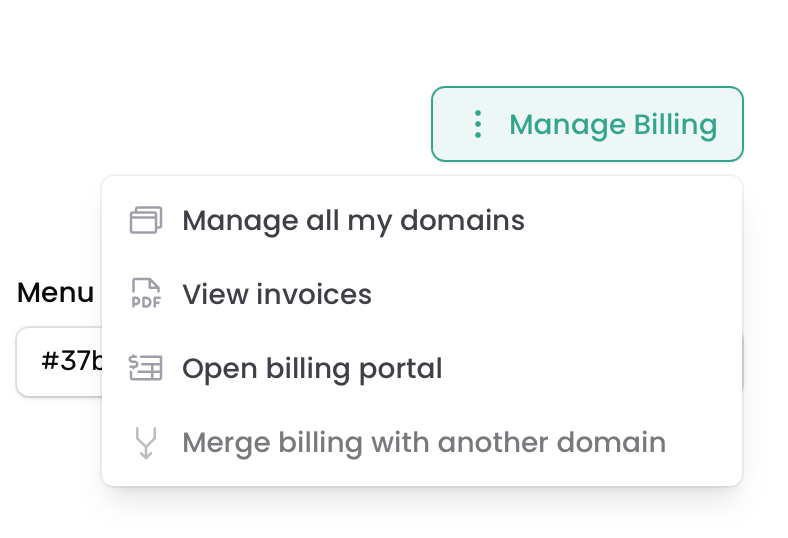
In the top right corner of the panel, you will find the Manage Billing dropdown. Open it and then select Open billing portal.
You will be redirected to the billing overview of our partner, Stripe, where you can view and edit your billing information.
Information that you are able to edit here, include company name, VAT ID, address, billing e-mail address (that receives invoices) and payment methods.
If you wish to pay by bank transfer or learn more about all the payment methods, please open this guide.
If you wish to add a "kostenplaats", Purchase Order ID, budget number, or any other internal reference to your Consent Studio invoices, please follow this guide.