Upload your own logo to the banner
An article that explains how you can upload your own logo to your consent banner
Last updated 3 days ago
How to add a custom logo to your Consent Studio (cookie) consent banner
You can upload your own logo to the consent banner to establish a more personalised appearance. This article will explain how you can do this.
Disabling the Consent Studio logo, is available to every customer, however, providing a custom one, is limited to Consent Studio Professional customers.
Only SVG logos are currently accepted.
Providing your own logo
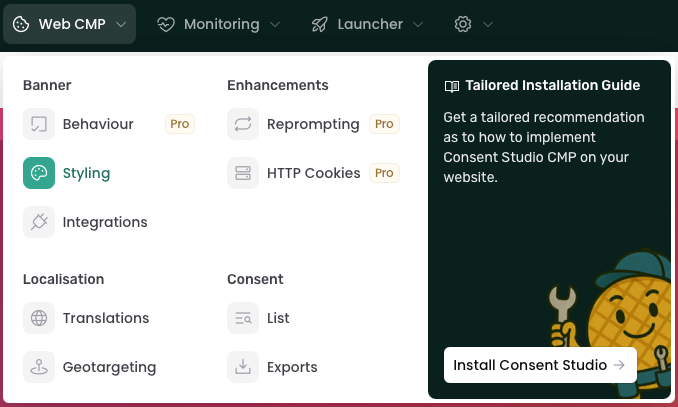
To upload your own logo, navigate to Web CMP > Styling.
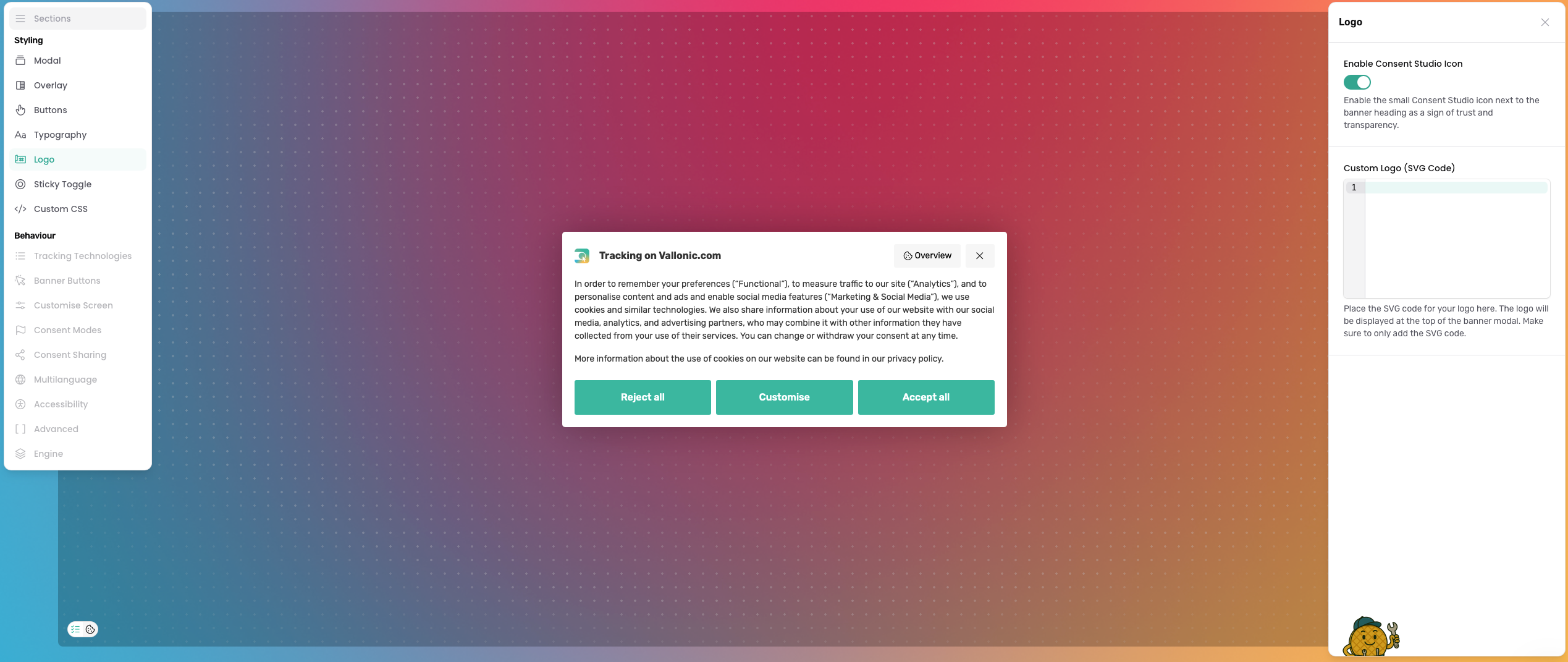
On this page, select the Logo tab. You will see a field labelled as Custom Logo (SVG Code).
Paste the SVG Code of your logo in this field.
After you're done, don't forget to click on the Save & Publish button.
Was this helpful?
Still need help? Ask the team