How to use geotargeting for your cookie consent banner
How to use geotargeting with Consent Studio
Last updated 18 days ago
Different cookie banner behavior depending on geotargeting rules
Geotargeting in Consent Studio allows you to override the default banner settings depending on the IP address of origin of a website visitor.
We do not use a third-party service to determine visitor IP addresses: we use a local database of our own. Therefore, visitor IP addresses are not shared with others and our service remains fast.
How to create a geographic rule
Log in to your Consent Studio dashboard and select the domain that you want to edit.
Head to Geotargeting under Web CMP.
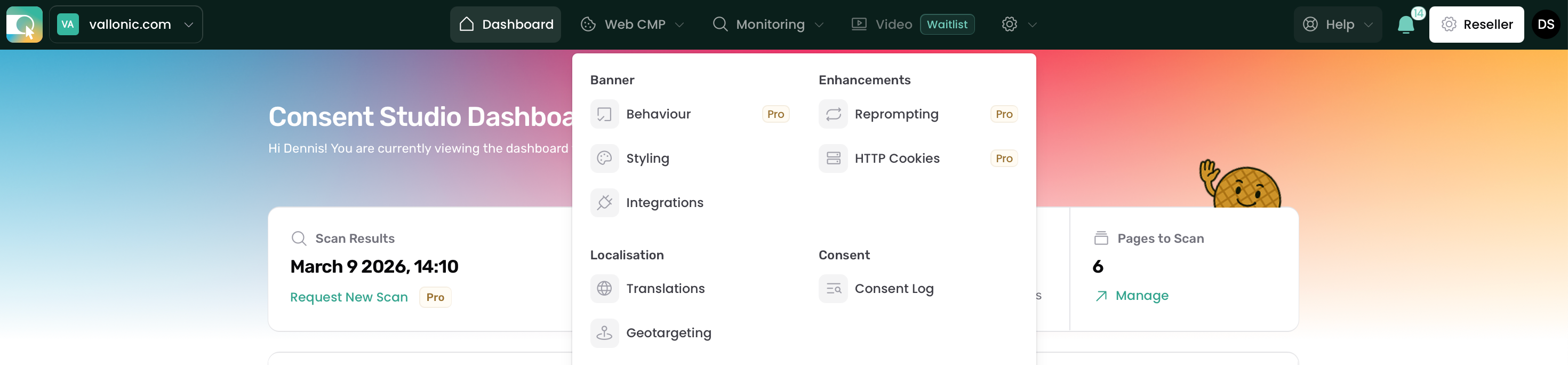
Find the New Rule button.
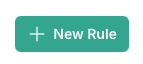
When creating a new rule, first select the countries that you want to apply the rules to.
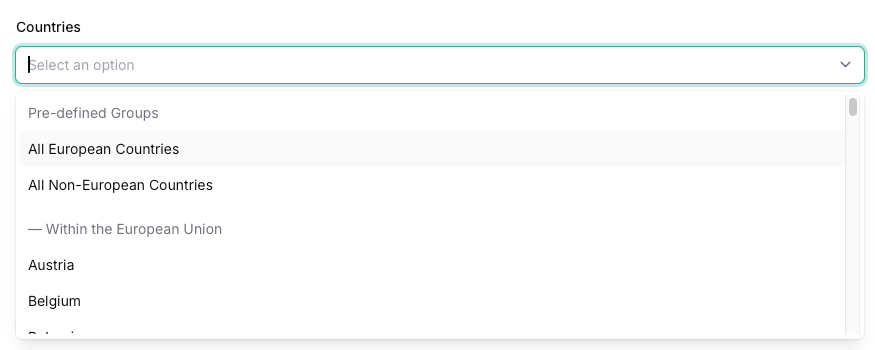
You can pick as many as you want. We have to pre-defined groups:
All European Countries
All Non-European Countries
After selecting the countries you can set a priority for your rule.
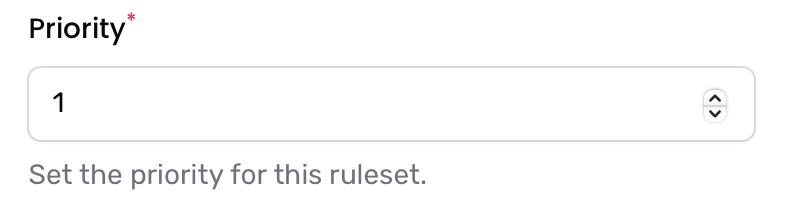
The lower the number, the higher the priority of the rule. Rules with a higher priority will be applied first when multiple rules match.
Lastly, select which setting groups the rule should override.

The rule will only take effect for the categories you check. Each group allows you to tailor specific aspects of your implementation for the selected countries.
Setting groups explained:
Behaviour
These settings mainly control compliance-related behaviour. For example, whether to show an “Accept All” button or not. Use this to comply with local legal requirements.Copywriting
This allows you to use specific translations or messages in selected geographic areas.
Note: The country selected in your geotargeting rule does not automatically determine the language.
If a field is left empty here, the default text will be used, as configured under Banner → Copywriting.
If no custom texts are set, Consent Studio’s default texts will apply.Styling
Use this to apply different visual styles, such as colors or spacing, for specific regions. This can help align the banner with local branding or accessibility requirements.Reprompting (Professional only)
Control how and when users are asked again for consent in specific countries or regions.
You can:Enable or disable reprompting per country.
Set different chance percentages depending on the region.
If you also want to localize the text on the reprompting banner, be sure to activate Copywriting in this rule as well.
If you want to hide the banner by default and let a user agree to all consent categories on their first visit, you can do that using these options.
Frequently Asked Questions
Which countries are in the "All European Countries" list?
Austria, Belgium, Bulgaria, Cyprus, Czech Republic, Germany, Denmark, Estonia, Spain, Finland, France, United Kingdom, Greece, Hungary, Croatia, Ireland, Republic of (EIRE), Italy, Lithuania, Luxembourg, Latvia, Malta, Netherlands, Poland, Portugal, Romania, Sweden, Slovenia, Slovakia,
Is the United Kingdom counted as a European country?
Yes. The United Kingdom is included in the All European Countries group. Although it left the EU, the UK still requires consent for tracking technologies under UK GDPR and PECR, so Consent Studio applies the same consent rules to UK visitors as to EU visitors. This means Auto-accept all categories and hide banner initially cannot be used for the United Kingdom.
Why is a country not showing up in the list of countries to choose from when creating a new geotargeting ruleset?
This is most likely because it was already used in another ruleset.