How to upload your own logo to the consent banner
An article that explains how you can upload your own logo to your consent banner
Last updated 11 days ago
How to add a custom logo to your Consent Studio (cookie) consent banner
You can upload your own logo to the consent banner to establish a more personalised appearance. This article will explain how you can do this.
Disabling the Consent Studio logo, is available to every customer, however, providing a custom one, is limited to Consent Studio Professional customers.
Only SVG logos are currently accepted.
Providing your own logo
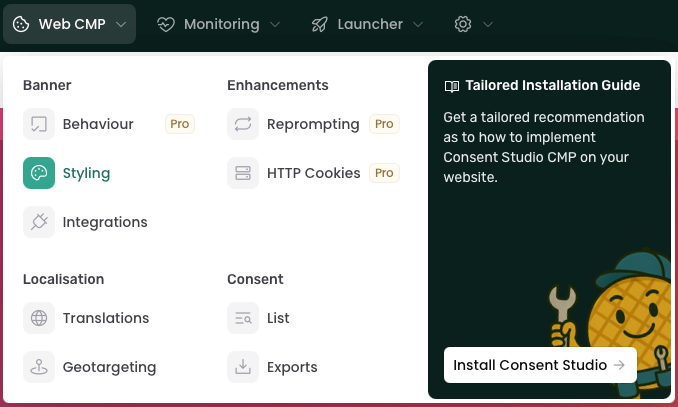
To upload your own logo, navigate to Web CMP > Styling.
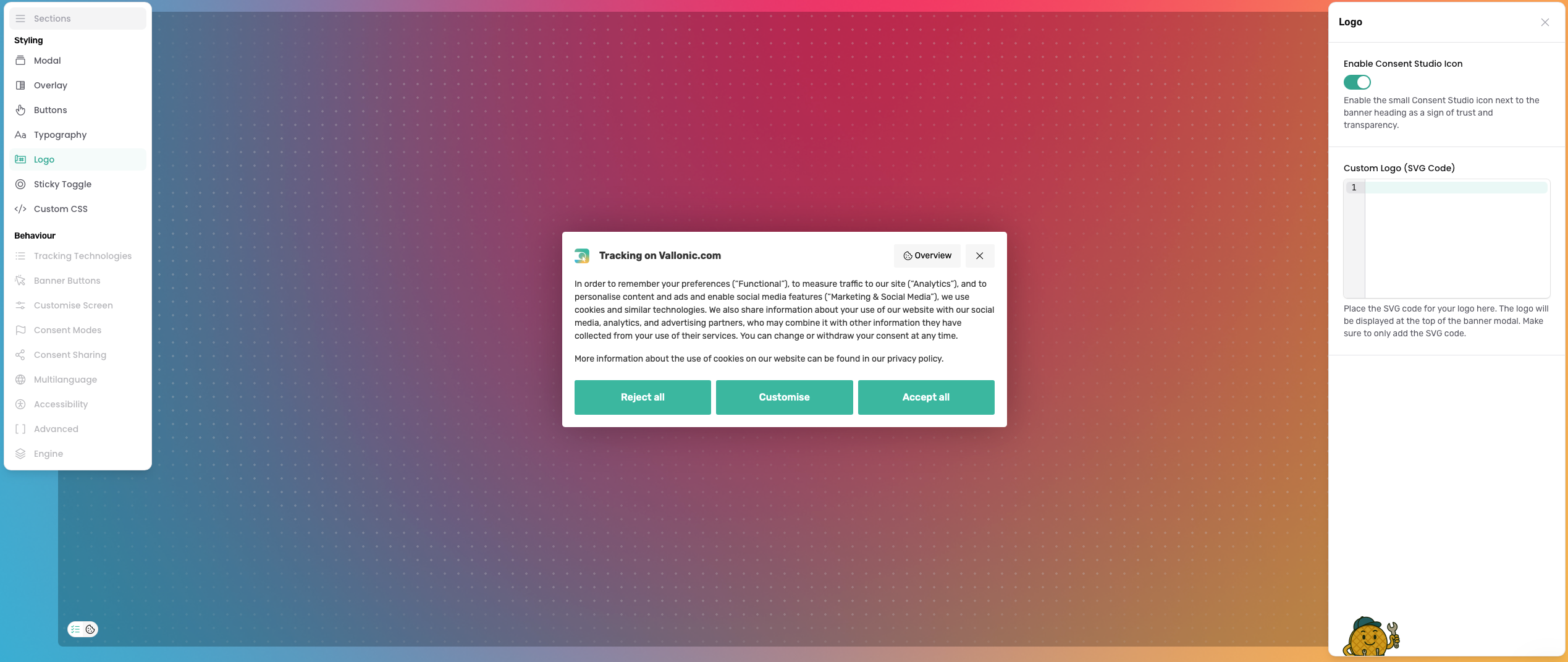
On this page, select the Logo tab. You will see a field labelled as Custom Logo (SVG Code).
Paste the SVG Code of your logo in this field.
After you're done, don't forget to click on the Save & Publish button.