How to change the order of the buttons in your consent banner
Last updated 18 days ago
Changing the button order in the Consent Studio Web CMP consent banner
You can easily change the order of the buttons in your consent banner for Desktop and Mobile separately. This can be done in the Behaviour settings panel in the Web CMP module in Consent Studio.

On this page, open the Banner Buttons tab and scroll down to the Button Order section.
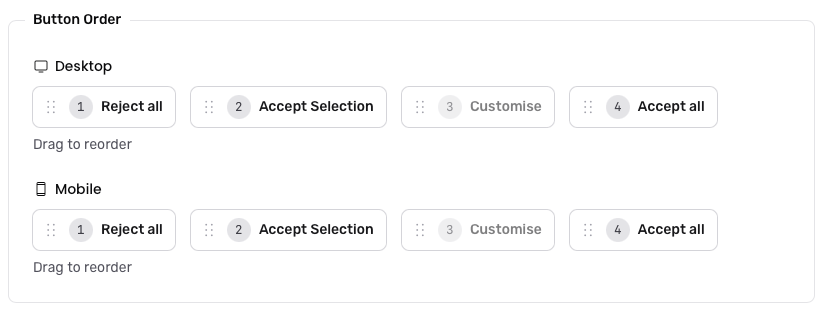
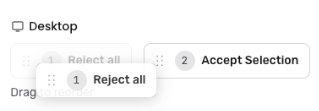
For either device, you can re-arrange the order as desired by dragging and dropping the buttons.
Buttons that are not currently enabled in your consent banner will be greyed out although their order can still be changed for in the future.
Do not forget to Save & Publish your changes after having made this modification.